Your warehouse sorted and your transport booked, without the headache.
Loqhub is built for people whose days are busy enough already. You see the whole warehouse at a glance, and when goods need to go out, you book transport from the same place. You'll have it figured out over a cup of coffee.
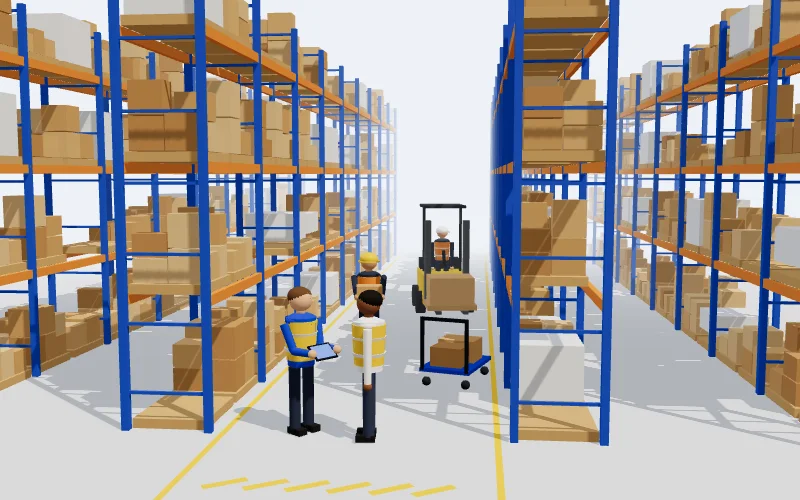
Every pallet and rack in one picture
You'll find the goods even when the colleague who put them there is on holiday.
See warehouse management →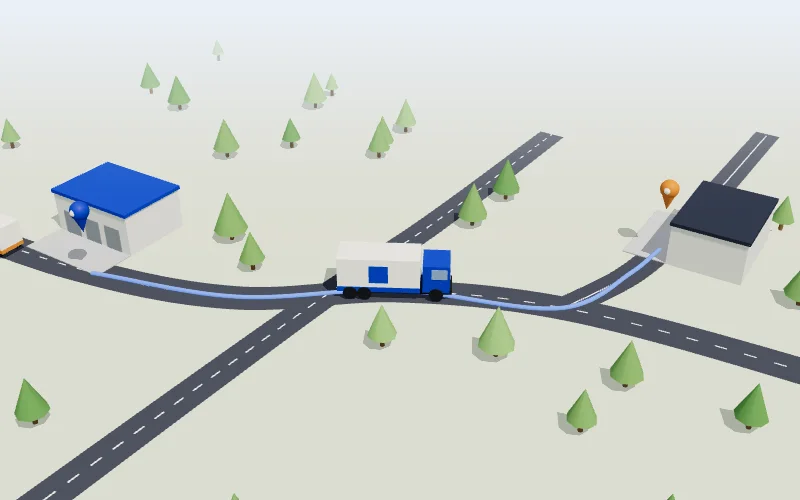
Book transport like you'd book a taxi
Say where from and where to. Loqhub finds a free carrier, so you don't have to ring round.
See transport →A warehouse where everything is where it should be
Open Loqhub and see your warehouse as it really is: racks, pallets and free spots. Move a pallet to a new spot and the stock is right straight away. Don't just take our word for it, try it yourself.
Sound familiar?
Stock levels live in Excel, the goods are somewhere on a shelf, and the phone rings: “Do we still have any of these?” Bigger companies have a system instead, and it takes weeks to learn.
Often only the person who put the goods away knows exactly where they are. And they've just gone to lunch.
One row doesn't get updated, and at the stock count the numbers don't match.
Moving a pallet means filling in several forms. A new employee needs weeks to learn it.
What Loqhub does in the warehouse
Everything a warehouse needs day to day, and not a single button more. Even someone on their first day won't get lost.
Your warehouse in 3D
Rotate and zoom the view like a map on your phone. Click a pallet to see what's on it.
Drag to put away
Move a pallet to a new spot. Loqhub only shows the spots where it fits. If it doesn't fit, it tells you why.
Multiple sites and transfers
Send a pallet to another warehouse. The receiver sees that it's on the way and checks it in with one tap.
Requests and shipping
Staff ask for goods, the warehouse picks them and hands them out. Each shipment gets a delivery note.
Stock counts
Count quantities right in the 3D view. If something doesn't match, you see it straight away.
Assets and write-offs
The person responsible for the warehouse proposes a write-off and the asset manager approves it. Nothing drops off the books unnoticed.
The right access for everyone
Manager, warehouse worker, requester or viewer. Everyone sees only their own warehouses and the buttons they need for their work.
Change log
Every quantity change is recorded with a name and a time. You don't have to gather anything separately for an audit.
Scan with your phone
Your phone camera reads the QR label on a pallet or rack spot and the product barcode, and opens the right pallet or item.
Bring your spreadsheet
Pick your spreadsheet and the app finds the columns by itself. Before saving, you see what's going to be imported.
Order what's missing
Set a minimum for an item. When stock drops below it, one button puts the order together.
On any device
Works in the browser on a computer, tablet or phone. There's nothing to install.
Why Loqhub
Big warehouse systems can do a lot, but you have to learn them first. Loqhub focuses on what actually happens in a warehouse every day, and you'll pick it up the first time you use it.
| Loqhub | Typical enterprise WMS | |
|---|---|---|
| Getting started | In a few days | Months and consultants |
| Learning curve | You pick it up the first time | Training courses and thick manuals |
| Overview | A 3D view with every pallet and free spot | Tables and codes |
| Moving stock | Drag the pallet to a new spot | Several forms and confirmations |
| Mistakes | Won't let you take a wrong step and tells you why in plain words | An error code, often only later |
| Access, approvals and history | There from day one | There, but it takes time to set up |
| Devices | Any browser, phones too. The camera is the scanner. | A desktop PC and separate scanners |
Who it's for
If you have racks and goods, Loqhub is for you too. A small company gets an overview. A larger one also gets access rights, approvals and a change history.
See what's in the back room and the warehouse at the same time, and what needs reordering.
Raw materials, semi-finished and finished goods are shown where they actually stand.
Several warehouses, goods moving between them, and shipping with delivery notes.
For places where every item has to be accounted for. Write-offs need approval and every change is logged.
When goods go to a partner
Sign an agreement with another company and send a pallet straight to their warehouse. Each side sees only what the other shares, and the agreement can be ended at any time.
Get goods on the road without endless phone calls
Tell us where the goods are going from and to, and what they are. Loqhub shows only the carriers whose vehicle fits and who are free that day. You don't have to ring round anyone.
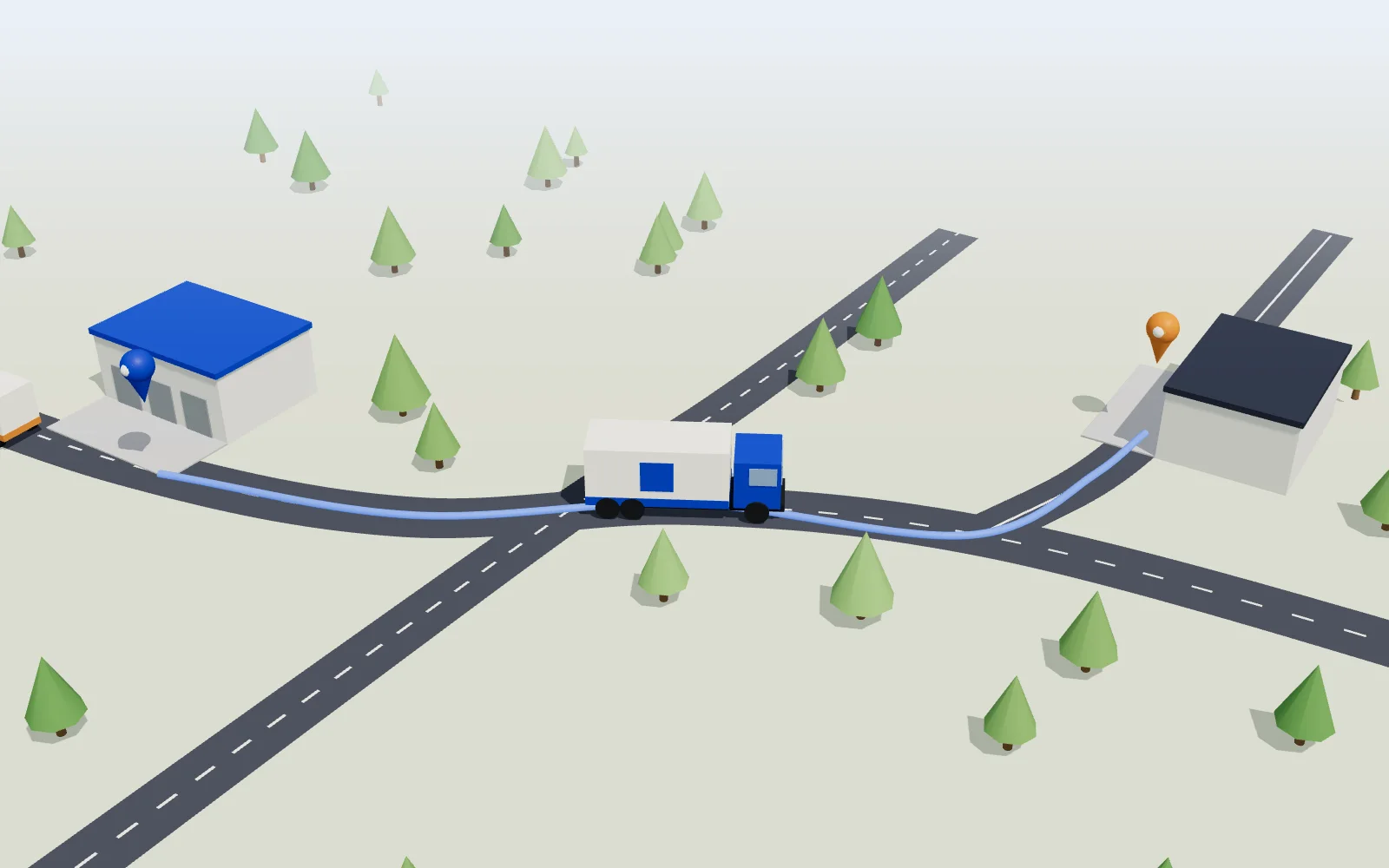
How it works
Where from, where to, when and what: pallets, bulk goods, a container, cars or heavy machinery.
You only see carriers whose vehicle takes that kind of load, fits the size and is free that day.
If someone declines or doesn't answer within two hours, the request moves on to the next one by itself.
Book straight from the warehouse
For goods picked in the warehouse, you book transport with one button. The pallet and delivery note number are already filled in.
See where your goods are
Confirmed, loaded, on the way or delivered. Print the CMR consignment note straight from the browser.
A fair queue
Carriers are ranked by how reliable they are. Nobody can pay to jump the queue.
We set everything up for you
We draw your warehouse, move your data over and show your team how it works. You can get on with your own work in the meantime.
Your warehouse in 3D
We draw your storage areas, racks and levels the way they are in your warehouse.
Data from Excel
The app reads a simple spreadsheet by itself. If your lists are more complicated, we move them over for you.
People and access
We add your staff and set who can see and do what.
All your sites together
All your warehouses are in one place, and you can see how goods move between them.
Training
We show your team how it works. Usually once is enough.
Built around your needs
If you need something Loqhub doesn't do yet, we'll talk it through and add it.
How to get started
Drop us a few lines: how many warehouses and users you have. We'll put a quote together and send it over.
We look at a sample warehouse together and talk about how it would fit your work.
We build your storage areas and racks and add your users. Then your team can get to work.
Simple on the outside. Solid on the inside.
The screen shows only what you need for the job. In the background, Loqhub checks whether each change is allowed and records it. So you can always see who did what, and when.
Who changed what, and when, is recorded. Regular users can't delete it.
The person responsible for the warehouse proposes, the asset manager approves.
Someone without the right can't make the change. The check happens on the server, not just on screen.
A new account sees nothing until a manager gives it access.
The database is in Frankfurt.
The app updates itself and everyone is on the same version.
Frequently asked questions
Do I need to install anything?
No. Loqhub runs in the browser. You open the page, sign in and you can start.
Does it replace my accounting software?
No. Loqhub does the warehouse work: receiving, put-away, shipping, stock counts and asset management. You keep your accounting software, and you can move warehouse data into it as a CSV file.
Can I manage several warehouses in one place?
Yes. A manager creates the warehouses and decides who can get into which one. Pallets can be sent from one warehouse to another.
Can I set up the warehouse layout myself?
Yes. In the layout view you set the storage areas, racks and levels, how many pallets fit between the uprights and how wide the aisle is.
How much does it cost?
It depends on how many warehouses and users you have. Fill in the form below and we'll send you a quote.
Can I import my Excel sheet?
Yes, as an .xlsx or .csv file. The app finds the columns by itself and shows you what will come in before you save: items, barcodes, minimums and stock levels.
Do I need a barcode scanner?
No. The phone camera reads QR labels and barcodes. A USB or Bluetooth scanner works too.
Does it work on a phone?
Yes. You can use a phone or tablet while you walk around the warehouse.
Is it right for a small company?
Yes. You can start with one warehouse and a couple of users. Whatever you don't need, you just don't use.
Can I try it before buying?
Yes. Open the demo on this page. You don't need an account. We can also go through the software with you.
Get a quote
Write a few lines about your warehouse or your transport. We read every message ourselves and reply to you personally.